 |
GlyEngine 0.4
Create games and apps with lua
|
|
GlyEngine 0.4
Create games and apps with lua
|
Functions | |
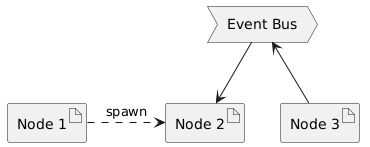
| local function | emit (application, key, a, b, c, d, e, f) |
| send event to node | |
| local function | load (application) |
| create new node | |
| local function | spawn (application, parent) |
| register node to event bus @decorator | |
| local function | kill (application) |
| unregister node from event bus @decorator | |
| local function | node_pause (application, key) |
| disable node callback @decorator | |
| local function | node_resume (application, key) |
| enable node callback @decorator | |
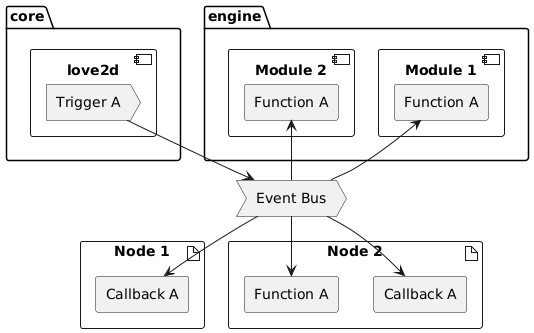
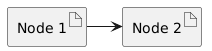
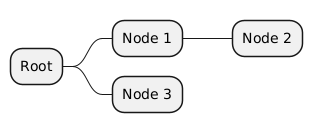
| local function emit | ( | application | , |
| key | , | ||
| a | , | ||
| b | , | ||
| c | , | ||
| d | , | ||
| e | , | ||
| f | ) |
| local function kill | ( | application | ) |
| local function load | ( | application | ) |
| local function node_pause | ( | application | , |
| key | ) |
stop receive specific event int the application
| local function node_resume | ( | application | , |
| key | ) |
return to receiving specific event in the application
| local function spawn | ( | application | , |
| parent | ) |
| [in/out] | application |
 1.18.0